VanishInbox

Free Temporary Email Address

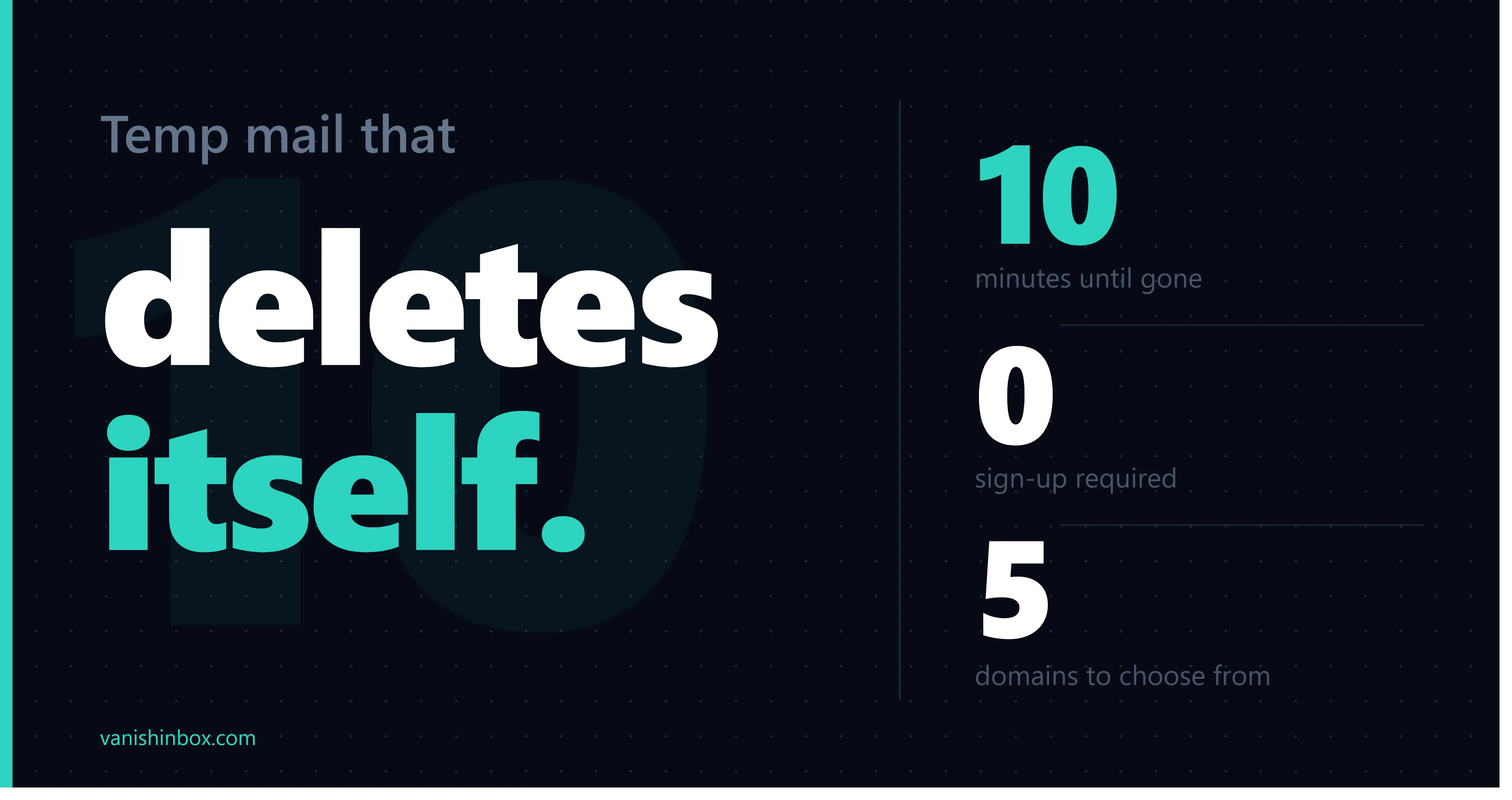
Instant disposable inbox — no sign-up required. Expires in 10 minutes.

What Is a Temporary Email Address?

A temporary email address — also called a disposable email, throwaway email, or burner email — is a short-lived inbox you can use instead of your real email. VanishInbox generates one instantly when you open the page. No account, no password, no personal information required.

Use it to receive a one-time verification code, sign up for a website without exposing your real address, or test email functionality during development. After 10 minutes, the inbox automatically disappears — leaving no trace.

Why Use a Disposable Email Address?

  • 🛡️Stop Spam ForeverGive websites a temp address. Your real inbox stays clean and spam-free.
  • 🔒Protect Your PrivacyNever reveal your real email to untrusted services or data brokers.
  • No Registration NeededNo account needed. Your disposable inbox is ready the moment you arrive.
  • 🧪Test Email Flows InstantlyDevelopers can verify email delivery and HTML templates in seconds.
  • 🗑️Zero Cleanup RequiredEmails vanish automatically after 10 minutes — nothing to delete or manage.

How VanishInbox Works

  1. 1A unique disposable email address is automatically generated when you open the page.
  2. 2Copy the address and use it anywhere — sign-ups, free trials, online verifications.
  3. 3Incoming emails appear in your temporary inbox within seconds, automatically.
  4. 4After 10 minutes, your inbox and all emails are permanently and securely deleted.
  5. 5Click "New Email" anytime to generate a fresh throwaway address instantly.

Benefits of Using VanishInbox

Unlike many temporary email services, VanishInbox supports multiple disposable email domains so you can switch to a different address format if one gets blocked. All emails are encrypted in transit and automatically purged — we never store email content beyond the 10-minute window.

The service is completely free with no ads cluttering your inbox. It works on any device — mobile, tablet, or desktop — with no app to install.

Frequently Asked Questions

What is a temporary email address?
A temporary email address (also called a disposable or throwaway email) is a short-lived inbox you can use instead of your real email address. VanishInbox creates one instantly — no sign-up needed. It automatically expires after 10 minutes, keeping your real inbox spam-free.
How long do emails last on VanishInbox?
Emails and your inbox are automatically deleted after 10 minutes. If you refresh the page within that window, your same inbox is restored from your browser. After expiry, a brand-new address is generated automatically.
Is VanishInbox free to use?
Yes, VanishInbox is completely free. There is no registration, no subscription, and no hidden fees. Simply open the website and your temporary inbox is ready immediately.
Are temporary emails safe to use?
VanishInbox is safe for receiving non-sensitive content like verification codes and sign-up confirmations. However, you should never use a temporary email for important accounts, password resets, or anything you need long-term access to. Emails are publicly accessible to anyone who knows the address.
Can I choose my email address or domain?
You can switch between multiple domains (fommie.com, whoopza.org, fommie.online, fommie.store, whoopza.store) using the dropdown selector. The username is randomly generated, but you can click "New Email" to generate a different one at any time.
Why is my inbox empty?
Emails typically arrive within a few seconds. Make sure you copied the full address correctly. Some services may block disposable email domains — try switching to a different domain using the dropdown. The inbox auto-refreshes every 5 seconds, or you can click the Refresh button.

The Technology Behind Disposable Email Addresses

Temporary email services like VanishInbox rely on the same core infrastructure that powers regular email — but with key differences designed for speed, anonymity, and automatic expiry.

When you open VanishInbox, a random address is generated in your browser and stored locally. Behind the scenes, our mail server is configured with a catch-all rule — meaning it accepts every email sent to any address on our domains, regardless of what username is in front of the @.

Each inbound email is parsed by a lightweight serverless worker, which extracts the sender, subject, and body, then stores it in a Redis database with a 10-minute TTL. Redis is an in-memory data store purpose-built for fast reads and automatic key expiry — ideal for short-lived throwaway data.

Email HTML is rendered inside a sandboxed iframe — a browser security boundary that prevents malicious email content from executing scripts or accessing the parent page. This protects you from phishing attempts or tracking pixels hidden inside HTML emails.

What Exactly Is a Disposable Email Address — and How Is It Different From a Real One?

A disposable email address (also known as a temp email, fake email, throwaway email, or burner email address) is a fully functional email inbox that exists for a short period of time and is then permanently discarded. It receives real emails just like a normal inbox — but it has no account, no password, no recovery options, and no long-term existence.

A regular email address (Gmail, Outlook, etc.) is tied to your identity. It persists for years, accumulates history, and is linked to your real name, phone number, and other accounts. When you give it to a website, that site can email you indefinitely, sell your address to data brokers, or expose it in a data breach.

A disposable email address breaks this link entirely — it is anonymous, temporary, instant, receive-only, and completely expendable.

Why Would You Need a Fake Email Address? 10 Real-World Use Cases

The term "fake email" sounds shady, but disposable email addresses have dozens of completely legitimate everyday uses — from signing up for free trials without being auto-charged, to testing email flows as a developer, to protecting yourself from data breaches on unfamiliar shopping sites.

01Signing up for free trials
02Avoiding marketing spam
03One-time verification codes
04Protecting from data breaches
05Developer email testing
06Accessing paywalled content
07Online shopping on new sites
08Online forums and communities
09Competitions and giveaways
10Separating work and personal

How to Choose the Right Disposable Email Service

Not all temporary email providers are equal. Look for: instant generation with no sign-up, multiple domains to switch between if one is blocked, genuine auto-deletion at the server level, mobile-friendly design, sandboxed email rendering for security, and no invasive third-party trackers.

VanishInbox ticks all of these boxes — five domains, 10-minute Redis TTL expiry, sandboxed iframe rendering, and zero ads in the inbox.

How to Use a Disposable Email Address — Step-by-Step

  1. 01

    Open VanishInbox

    A disposable email address is generated the moment the page loads. The 10-minute countdown starts immediately.

  2. 02

    Choose your domain

    Use the dropdown to switch between our five domains if the default one is blocked by a website.

  3. 03

    Copy the email address

    Click Copy. Paste it into any sign-up form, checkout page, or email field.

  4. 04

    Use it on any website

    Complete the registration or sign-up as normal. The site sends emails to your VanishInbox address.

  5. 05

    Wait for incoming email

    Your inbox auto-refreshes every 5 seconds. New emails appear within moments of being sent.

  6. 06

    Read and copy codes

    Click an email to open it. Use the Copy Text button to grab verification codes instantly.

  7. 07

    Generate a new address

    Click "New Email" anytime for a completely fresh address with a new 10-minute window.

  8. 08

    Let it expire automatically

    After 10 minutes everything self-destructs. A fresh address is generated automatically.

Pro tip: Keep the VanishInbox tab open while you complete the sign-up on the other site. Emails usually arrive within 5–10 seconds of being sent. If you close the tab, reopen VanishInbox and your address will be restored from your browser — as long as the 10-minute window hasn't expired.