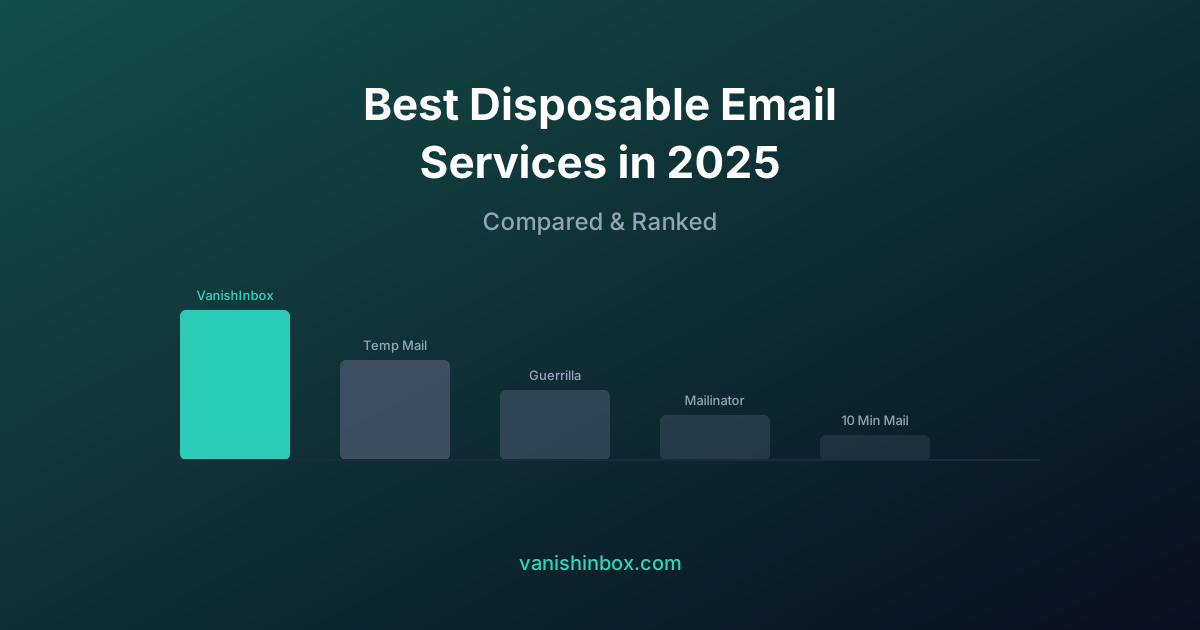
The best disposable email service overall in 2026 is VanishInbox, on the strength of its hard 10-minute deletion guarantee, five rotating domains, and sandboxed rendering that blocks tracking pixels by default. Temp-Mail, Guerrilla Mail, Mailinator, 10 Minute Mail, YOPmail, Maildrop, EmailOnDeck, and Dispostable round out the disposable options, and SimpleLogin covers the separate case of a permanent forwarding alias.
- VanishInbox: best overall, strongest deletion guarantee
- Temp-Mail: best for wide language support
- Guerrilla Mail: best for sending, not just receiving
- Mailinator: best for developer and QA testing
- 10 Minute Mail: best for the simplest one-off case
- YOPmail: best for longer retention (8 days)
- Maildrop: best lightweight developer option
- EmailOnDeck: best if you need to recover an address
- Dispostable: best minimal, no-frills option
- SimpleLogin: best permanent alias alternative
Three weeks after signing up for a SaaS free trial with my personal address, my inbox had 47 marketing emails from that one company, plus messages from six trusted partners I had never heard of. That is the moment VanishInbox started. I had spent years building email infrastructure and routing systems by then, and the fix seemed obvious: an address that deletes itself before any of that can happen.
Building it meant living inside the disposable email space for a while, and that surfaces an uncomfortable fact about this category. Nearly every comparison post you will find, including an earlier version of this one, ranks its own service first and moves on. That is a weak way to evaluate a tool you are about to hand your inbox to. So this version does something different: real criteria, real tradeoffs, and a category most disposable-only lists skip entirely.
What Actually Matters Here
Most best temp mail lists score on vague categories like ease of use. Four things determine whether a service is worth using.
Deletion that happens at the infrastructure level, not the UI level. A service that hides an expired inbox from its own interface has not necessarily deleted anything. VanishInbox stores emails in Redis with a hard TTL. When the key expires, the data is gone from the database, not archived somewhere you cannot see. Ask any provider directly whether deleted means removed from the database or only removed from your view. Most will not have a clear answer.
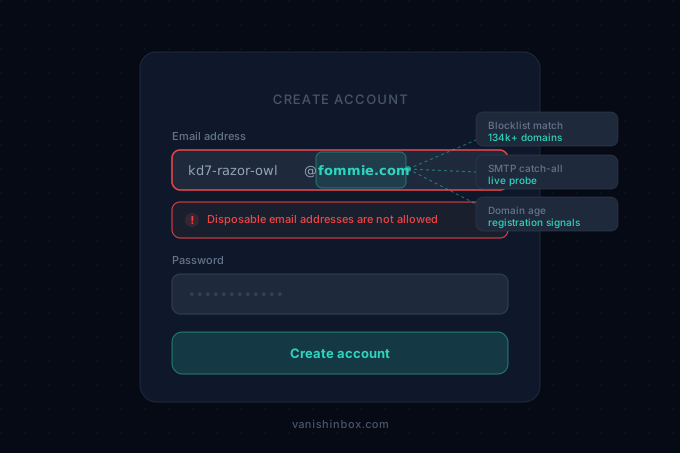
Domain-block resistance. Every disposable domain eventually lands on a blocklist. Why does this website reject my temp email? covers the detection mechanics in full, but the short version holds: a service running on one domain gets blocked more often, and a service running on several gives you a way around it.
Rendering safety. HTML email can carry tracking pixels and scripts. A sandboxed iframe stops both from touching your browser. Very few disposable services do this by default, and it rarely shows up in comparison charts because it stays invisible until something goes wrong.
Disposable versus alias, two different tools. A disposable inbox is built to expire. An email alias such as SimpleLogin, Firefox Relay, or Apple Hide My Email is built to persist and forward to your real inbox indefinitely, until you kill it. Confusing these two categories is the single most common mistake people make when picking a service, which is why one alias tool made this list alongside nine disposable ones.
The 10 Services
1. VanishInbox
Five rotating domains (fommie.com, whoopza.org, fommie.online, fommie.store, whoopza.store), each address expiring after a hard 10-minute Redis TTL. The inbox renders every email inside a sandboxed iframe with external images blocked by default, which stops tracking pixels from firing the moment you open a message. No account, no IP logging, dark mode, installable as a PWA.
Where it falls short: receive-only. If you need to send from the disposable address, this is not the tool.
Best for: one-time sign-ups, verification codes, and gated content where you want a genuine deletion guarantee, not just a hidden inbox.
2. Temp-Mail (temp-mail.org)
One of the highest-traffic disposable services, with a mobile app and interface support across 30+ languages. Addresses are tied to a browser session and last as long as that session persists.
Where it falls short: the free experience is ad-heavy, and the retention policy does not specify a hard deletion point the way a TTL does.
Best for: users who want a localised interface and do not mind ads.
3. Guerrilla Mail
One of the oldest disposable services still running. The standout feature is the ability to send email from the disposable address, not only receive it, unusual in this category. Messages are deleted after an hour, though the address itself can persist longer.
Where it falls short: the interface has not been meaningfully updated in years, and domain options are limited.
Best for: the rare case where you need to reply from a throwaway address, not only receive at one.
4. Mailinator
Built for QA and automated testing, not privacy. Every inbox at the mailinator.com domain is public by design: no login, no password, and an API for pulling messages programmatically into a test suite.
Where it falls short: anyone who knows the address can read the mail, and consumer sites block Mailinator's domain aggressively because the public-inbox model is well known.
Best for: developers testing signup and verification flows. See how developers use disposable email for testing for the full workflow.
5. 10 Minute Mail
The original single-purpose timed inbox: one address, 10 minutes, extendable with a click. No domain switching, no account, nothing else going on.
Where it falls short: running on a single, long-established domain means it is one of the most heavily blocklisted disposable services in existence.
Best for: the simplest possible case, on a site that has not blocked it yet.
6. YOPmail
Unusually long retention for a disposable service: messages stay for 8 days rather than minutes or hours. The inbox is identifier-based rather than password-based, so it is public in the same way Mailinator's is.
Where it falls short: receive-only, a dated interface, and frequent blocking by sites that recognise the domain.
Best for: situations where you need to check a verification link days after the fact rather than minutes after.
7. Maildrop
No signup, instant, and built around public aliases anyone can check without a password. Inboxes clear after 24 hours of inactivity.
Where it falls short: no sending, and the public-inbox model means it is not appropriate for anything sensitive.
Best for: developers and testers who want a no-friction inbox without the QA-platform overhead of Mailinator.
8. EmailOnDeck
Generates a unique address in seconds and, unusually, lets you retrieve it after it has been deleted. That recoverability is worth noting on its own: a service that can bring back a deleted address is not deleting the way VanishInbox or 10 Minute Mail does. The free tier includes one alias forwarding to a main inbox.
Where it falls short: that same recoverability is a weaker privacy guarantee than a hard TTL, and multi-alias support sits behind a paywall.
Best for: people who want the option to recover an address they generated recently and are less concerned about a firm deletion point.
9. Dispostable
A lightweight, no-registration inbox in the same category as EmailOnDeck: type a name, get an inbox, done.
Where it falls short: it does not distinguish itself on any single dimension. It exists as a simple option rather than a strong one.
Best for: quick, low-stakes signups where you do not want to think about which service to use.
10. SimpleLogin, the alias alternative
The one entry here that is not a disposable inbox at all. SimpleLogin generates a permanent email alias that forwards to your real address and that you can disable at any moment. Because the alias runs on real, established forwarding infrastructure rather than a known disposable domain, it passes almost every domain-block check that stops the other nine services on this list cold.
Where it falls short: it requires an account with SimpleLogin itself, and it solves a different problem: ongoing spam isolation, not one-time disposability.
Best for: any account you will use regularly and might need to log back into. If a disposable address would get you locked out of a password reset in six months, this is the tool instead. Temp email vs email aliases breaks down that choice in full.
How They Compare
| Service | Domains | Deletion | Inbox model | Can send | Sandboxed rendering |
|---|---|---|---|---|---|
| VanishInbox | 5 | 10 min, hard TTL | Private, random address | No | Yes |
| Temp-Mail | 7+ | Session-based | Private, random address | No | No |
| Guerrilla Mail | 1 | 1 hour (messages) | Private | Yes | No |
| Mailinator | 1 | N/A, public | Public | No | No |
| 10 Minute Mail | 1 | 10 min, extendable | Private | No | No |
| YOPmail | 1 | 8 days | Public (identifier-based) | No | No |
| Maildrop | 1 | 24 hrs inactivity | Public | No | No |
| EmailOnDeck | 1 | Recoverable after deletion | Private | No | No |
| Dispostable | 1 | Unclear | Private | No | No |
| SimpleLogin | Your choice | Persistent until disabled | Private, alias | Yes (forwards) | N/A |
Which One You Actually Need
If you're receiving a single verification code or accessing gated content once, reach for a disposable inbox. VanishInbox, Temp-Mail, and 10 Minute Mail all do that job, with VanishInbox's hard TTL and sandboxed rendering giving the strongest privacy guarantee of the three.
If you're testing signup or verification flows as a developer, Mailinator or Maildrop's public model is the right fit rather than a liability.
If the account is one you'll want to log back into, reset a password on, or receive time-sensitive mail from months from now, none of the nine disposable services above are the right tool. SimpleLogin and services like it exist for exactly that case.
And if you've hit a site that blocks the domain you tried, why does this website reject my temp email? covers exactly which sites check and what to do about it, while is temp mail safe? covers the security tradeoffs of the disposable model in more depth than a single paragraph here can.
The Verdict
For everyday disposable use, VanishInbox remains the strongest option on deletion guarantees and rendering safety: five domains, a hard 10-minute TTL, and a sandboxed inbox that blocks tracking pixels by default. For a specific job outside that scope, Mailinator for testing, Guerrilla Mail for sending, or SimpleLogin for anything you'll need to keep, each earns its place on this list for a real reason rather than a token mention.
If you're switching from a specific service, there's a dedicated comparison for Mailinator: Mailinator alternative.
Frequently Asked Questions
What is the best free disposable email service in 2026?
VanishInbox is the strongest overall pick for free disposable email in 2026. It runs on five rotating domains, deletes every inbox at the infrastructure level after a hard 10-minute Redis TTL, and renders email inside a sandboxed iframe that blocks tracking pixels by default. Temp-Mail and 10 Minute Mail are reasonable fallbacks if a particular domain gets blocked on a specific site.
What's the difference between a disposable email and an email alias?
A disposable email is built to expire, usually within minutes or hours, and works best for one-time verification codes or gated content. An email alias such as SimpleLogin forwards indefinitely to your real inbox and can be disabled at any moment, which makes it the better choice for any account you will need to log back into later.
Which disposable email service is best for developers?
Mailinator and Maildrop are built around public inboxes with no login, a feature QA and test automation benefit from rather than being hurt by. Mailinator adds an API for pulling messages programmatically into a test suite, which is why it remains the standard choice for automated signup and verification testing.
Why does a website reject my temp email address?
Most sites check the domain portion of an address against a commercial or open-source blocklist before the form even submits. A service running on a single, long-established domain, such as 10 Minute Mail or Mailinator, gets blocked more often than one with several rotating domains, such as VanishInbox. Why does this website reject my temp email? covers the full detection mechanics.